 GPT0
GPT0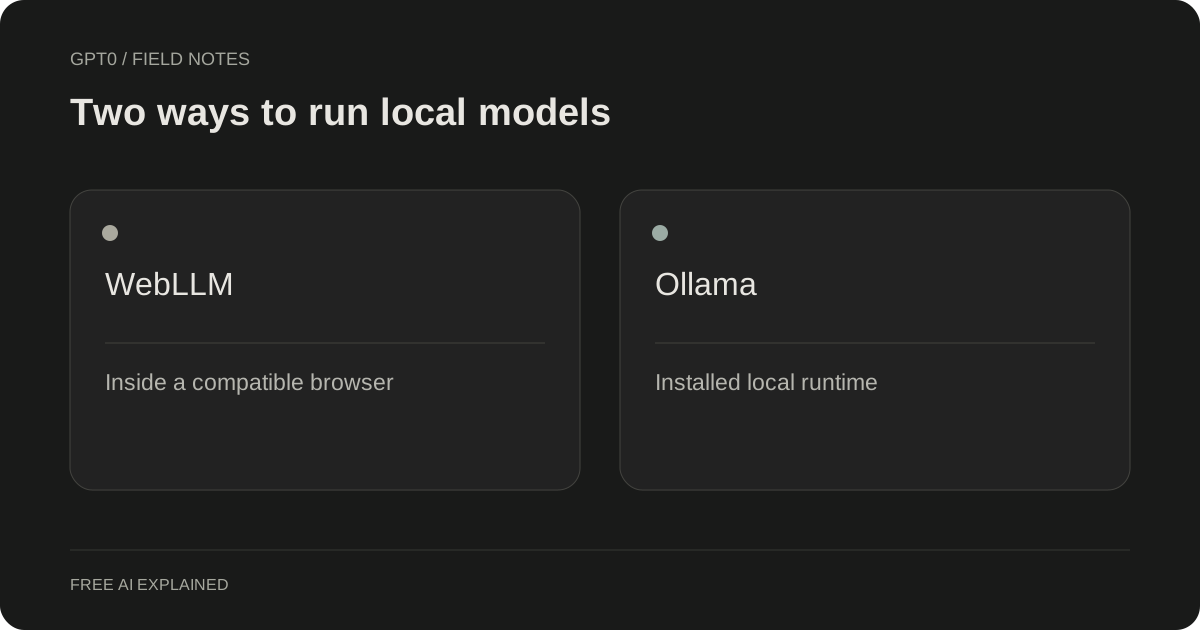
Understand the pieces
WebLLM provides a browser inference runtime using WebGPU; a website still supplies the interface and behavior around it. GPT0 is one such interface. The library documentation explains its browser model-loading API. MLC: WebLLM documentation
Ollama is an installed runtime with its own model management and local interfaces. Its documentation covers GPU use, configuration, and related operational questions. Ollama: Frequently asked questions Choosing one does not automatically choose an equivalent model, context size, or user interface.
Match the setup to your use case
For occasional text assistance, opening a compatible browser page can be simpler than installing and configuring a runtime. You still need to download the model and provide sufficient hardware. The browser's storage behavior also affects whether that download remains cached.
An installed runtime may suit a developer who wants to connect local models to scripts or other applications. That flexibility comes with setup and maintenance responsibilities. Choose the runtime because it supports your intended workflow, not because a screenshot of another person's machine looked fast.
Compare like with like
A comparison is useful only when you record the model, quantization or build, context settings, prompt, and hardware. Changing several of those at once makes it difficult to know what caused a difference. A larger model on one runtime and a smaller model on the other is not a clean runtime test.
Start with a short task whose answer you can judge. Note first-load time separately from response time after the model is ready. Include the effort required to keep the setup working, not just the speed of a single response.
Choose the smallest working setup
If your goal is to draft or explain short text, first try a small browser model and see whether it meets your needs. If you require a local API, integration with tools, or configuration beyond the website's controls, investigate an installed runtime through its official documentation.
Keep local services on the intended interface and avoid exposing a model server to the internet just to make a demo convenient. GPT0 itself does not require running a separate local server. Its supported models and limits are selected by the app, so installing Ollama does not change what GPT0 can load.
- Browser route: check WebGPU, memory, download size, and browser storage.
- Installed route: check operating-system support, runtime configuration, and the specific model.
- Either route: verify outputs and preserve your important prompts and results separately.
Original examples are illustrative. This is AI-assisted content maintained for GPT0, not an independent product benchmark. Read our editorial approach.
Try a small task in GPT0
Start with a short prompt. Your device runs the model; WebGPU support and an initial download are required.
Open free chat

